
AI Across the SDLC: How to Actually Use AI for Development
March 3, 2026 / MatrixTribe

AI is now embedded across the software development lifecycle, but most teams use it opportunistically rather than intentionally. As a result, productivity gains remain isolated instead of compounding.
This article outlines how AI models act as tools across the SDLC and where they are most effective in practice.
1. Planning & Requirements
At the planning stage, do not use AI to decide what to build. Instead, it should be used to clarify intent, surface ambiguity, and reduce downstream rework before software development begins. When applied correctly, AI strengthens the earliest phase of the software development lifecycle by improving the quality of inputs that guide everything that follows.
AI Model Role at This Stage
At this stage, the most effective AI agents models are:
long-context reasoning models
synthesis-focused language models
documentation-aware assistants
These models perform well when requirements are incomplete or loosely defined. They help translate business language into clearer technical structure, identify gaps early, and support more reliable AI-assisted requirements gathering.
AI Tools for Planning
Claude (strong long-context reasoning)
ChatGPT (general synthesis and clarification)
Notion AI / Confluence AI (PM-native environments)
No single tool dominates this stage. You typically choose based on where requirements already live and how planning artifacts are created and reviewed.
How You Actually Use AI in SDLC Planning
In practice, you can use AI to:
translate product briefs into clearer technical requirements
identify edge cases and implicit assumptions
generate acceptance criteria and constraints
stress-test vague or high-level scope before handoff
The objective is better inputs for software development, not finalized specifications.
Illustrative Example Prompts
You can use these example prompts as a reference while scoping requirements and planning software development.
“Rewrite this product brief as clear technical requirements, highlighting ambiguous or missing information.”
“List edge cases and failure scenarios implied by these requirements.”
“Identify assumptions in this scope that could create rework later in development.”
“Generate acceptance criteria for each major requirement.”
Why This Stage Matters
Errors introduced during planning are the most expensive to fix later in the SDLC. AI creates value here through early clarification, not speed. When you apply AI intentionally at the planning stage, you reduce churn across design, development, and testing and improve overall delivery outcomes.
2. Architecture & System Design
At the architecture stage, do not use AI to generate final system designs. Instead, it should be used to explore architectural options, surface trade-offs, and pressure-test decisions before they are locked in. When applied correctly, AI strengthens architectural decision-making across the software development lifecycle by expanding the range of considerations early.
AI Model Role at This Stage
At this stage, the AI models that add the most value are:
reasoning-first language models
abstraction and pattern-recognition models
diagram-assisted design helpers
These models perform best when they are used to compare approaches, explain consequences, and identify architectural risks. They are not effective when asked to pick or finalize an architecture.
AI Tools for Architecture & System Design
Claude (multi-option reasoning and long design context)
ChatGPT (architecture comparison and explanation)
Mermaid with AI wrappers (architecture visualization)
Whimsical with AI features
No single tool dominates this stage. You typically combine text-based reasoning models with diagramming tools to move between narrative explanations and structural representations.
Actually Use AI in Architecture Design
In practice, you can use AI to:
propose multiple architecture options for the same problem
articulate trade-offs between scalability, complexity, and cost
identify failure modes and operational risks
sanity-check early architectural assumptions
AI functions as a design reviewer, not the designer of record.
Illustrative Example Prompts
You can use these example prompts as a reference when evaluating architecture options and system design decisions.
“Propose three architecture options for this system and explain the trade-offs of each.”
“Given these constraints, what risks might appear at scale?”
“Which parts of this design are most sensitive to failure, and why?”
“What assumptions does this architecture make about traffic, data growth, or reliability?”
Why This Stage Matters
Architectural decisions compound over time. Small mistakes at this stage propagate through development, testing, deployment, and operations. AI creates value here by expanding the decision space early, allowing you to evaluate alternatives and consequences before committing to a system design.
3. Development & Code Authoring
During development, AI shifts from a reasoning aid to a workflow accelerator. At this stage, AI tools are most effective when they are embedded directly into the development environment and aware of the local codebase. This is where AI tools for software development deliver the most visible productivity gains.
AI Model Role at This Stage
At this stage, the AI models that work best are:
code-aware generation models
repository-context models
IDE-native assistants
These models are optimized for understanding syntax, project structure, and existing patterns. They are not designed for long-form reasoning or architectural decision-making.
AI Tools for Development & Code Authoring
GitHub Copilot (deep IDE integration)
Cursor (codebase-wide context)
Codeium (multi-language support)
JetBrains AI Assistant (JetBrains ecosystem users)
General-purpose chat models are often used alongside these tools, but they rarely replace IDE-native assistants in day-to-day software development work.
How You Actually Use AI in Code Authoring
In practice, you can use AI to:
accelerate boilerplate and repetitive code
refactor existing functions while preserving behavior
enforce internal coding patterns and conventions
generate small, well-scoped components
You remain responsible for correctness, security, and design decisions. AI shortens development cycles, but it does not replace review or testing.
Illustrative Example Prompts
You can use these example prompts as a reference while writing or modifying code.
“Refactor this function to improve readability while preserving behavior.”
“Generate unit test scaffolding for this module based on existing patterns.”
“Explain what this legacy function does and identify potential risks.”
“Rewrite this logic to follow our existing error-handling conventions.”
Why This Stage Matters
This is where most perceived AI productivity gains occur in the software development lifecycle. The primary risk is over-trusting generated code. Teams that benefit most treat AI as a pairing assistant, supported by human review, linting, and automated tests.
4. Debugging & Issue Resolution
During debugging and issue resolution, do not use AI primarily to write fixes. Instead, it should be used to shorten the time to understanding by correlating signals, forming hypotheses, and narrowing the search space. When applied correctly, AI improves how you investigate issues across the software development lifecycle, especially in complex, distributed systems.
AI Model Role at This Stage
At this stage, the most useful AI models are:
reasoning and diagnostic models
log and trace analysis models
correlation and summarization models
These models are effective when problems span multiple services, environments, and large volumes of telemetry, which is common in modern software systems.
AI Tools for Debugging & Issue Resolution
Sentry with AI-assisted issue analysis
Datadog AI features
ChatGPT and Claude for hypothesis generation and explanation
Observability-native tools typically outperform general-purpose language models for signal correlation, while LLMs are more effective for reasoning about potential causes and remediation paths.
How You Actually Use AI During Debugging
In practice, you can use AI to:
summarize large volumes of logs, metrics, and error traces
correlate events across services and time windows
propose likely root causes based on observed patterns
suggest remediation paths for further investigation
AI supports investigation, but you retain full control over diagnosis and fixes.
Illustrative Example Prompts
You can use these example prompts as a reference when investigating production issues.
“Summarize the key anomalies across these logs and traces.”
“What are the most likely root causes given this error pattern and timeline?”
“Which recent changes could plausibly explain this behavior?”
“Suggest safe diagnostic steps to validate the leading hypothesis.”
Why This Stage Matters
Debugging speed directly affects system reliability and operational cost. AI creates value here by reducing cognitive load, filtering noise, and highlighting patterns, allowing you to focus on decision-making rather than manual data collection.
5. Deployment & Release Management
During deployment and release management, do not use AI as an execution engine. Instead, it should function as a decision support layer. The objective is to reduce release risk by improving visibility into what is changing, what could break, and how confident you should be before pushing software to production.
AI Model Role at This Stage
At this stage, the AI models that add the most value are:
risk assessment and summarization models
dependency and change analysis models
decision support models
These models are particularly useful when releases span multiple services, teams, and dependencies across the software development lifecycle.
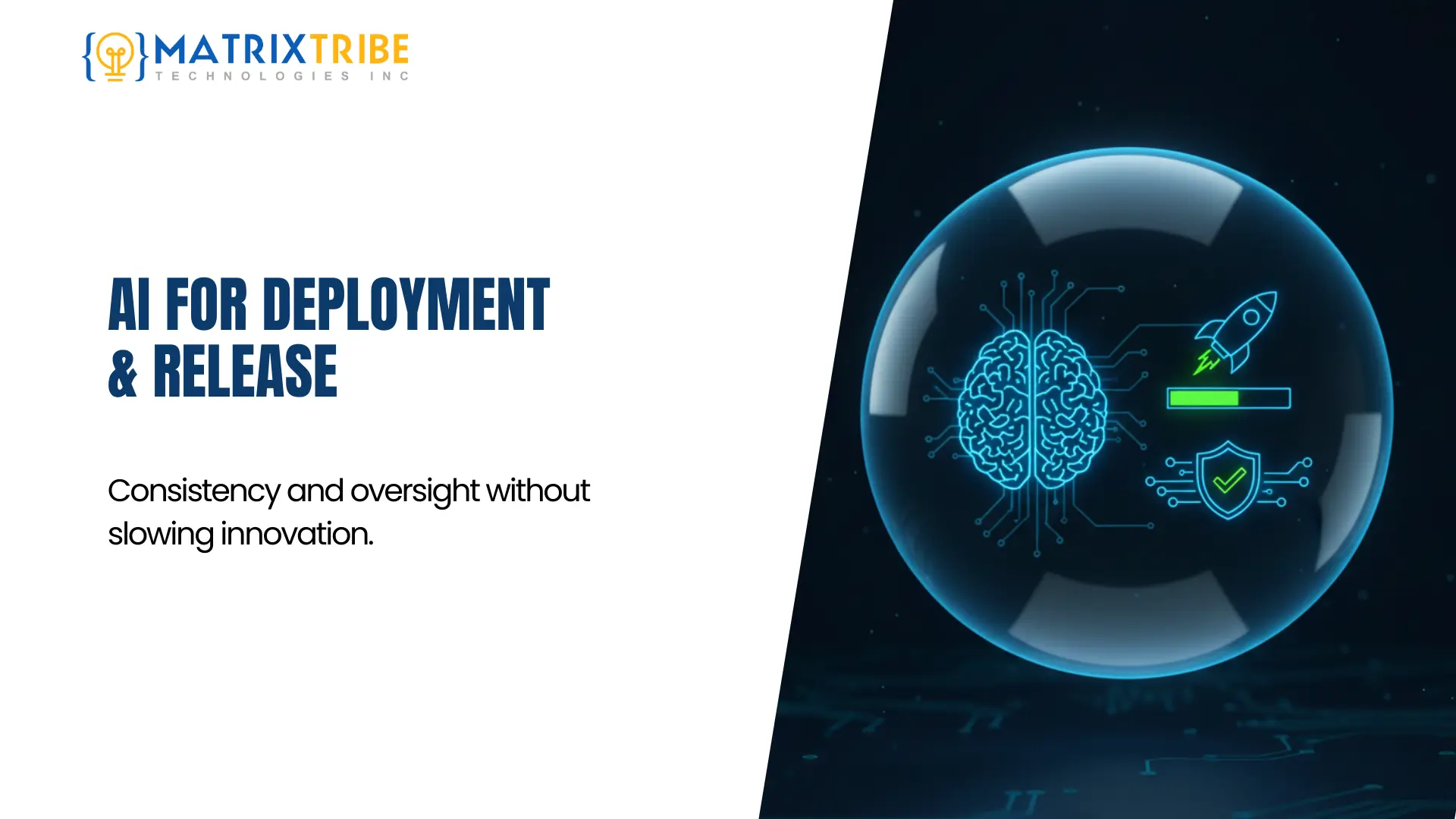
AI Tools for Deployment & Release Management
AI features embedded in CI/CD platforms
GitHub Actions with AI-assisted checks
ChatGPT or Claude for release review and summarization
You typically combine automated checks with human approval gates to maintain control and accountability.
How You Actually Use AI During Deployment
In practice, you can use AI to:
summarize code changes and their potential impact
flag components that introduce higher deployment risk
assist in generating release notes and rollback plans
support go or no-go decisions before a release
AI does not deploy code. It provides the context needed to make informed release decisions.
Illustrative Example Prompts
You can use these example prompts as a reference when preparing for a production release.
“Summarize the functional impact of this release across services.”
“Which components introduce the highest deployment risk and why?”
“Generate a rollback checklist based on recent changes.”
“Identify dependencies that should be monitored closely after release.”
Why This Stage Matters
Release failures are highly visible and costly. AI creates value here by making complex changes easier to understand and assess, while accountability remains firmly with the engineering team.
6. Monitoring, Maintenance, and Iteration
After deployment, do not treat AI as an automation layer for fixing issues. It is most valuable when it helps you detect change early, understand system behavior over time, and inform continuous improvement. This stage of the software development lifecycle focuses on observation and learning, not automatic remediation.
AI Model Role at This Stage
At this stage, the AI models that add the most value are:
anomaly detection and time series models
pattern recognition models
summarization and trend analysis models
These models are designed to surface signals that are difficult to detect manually across large volumes of operational and performance data.
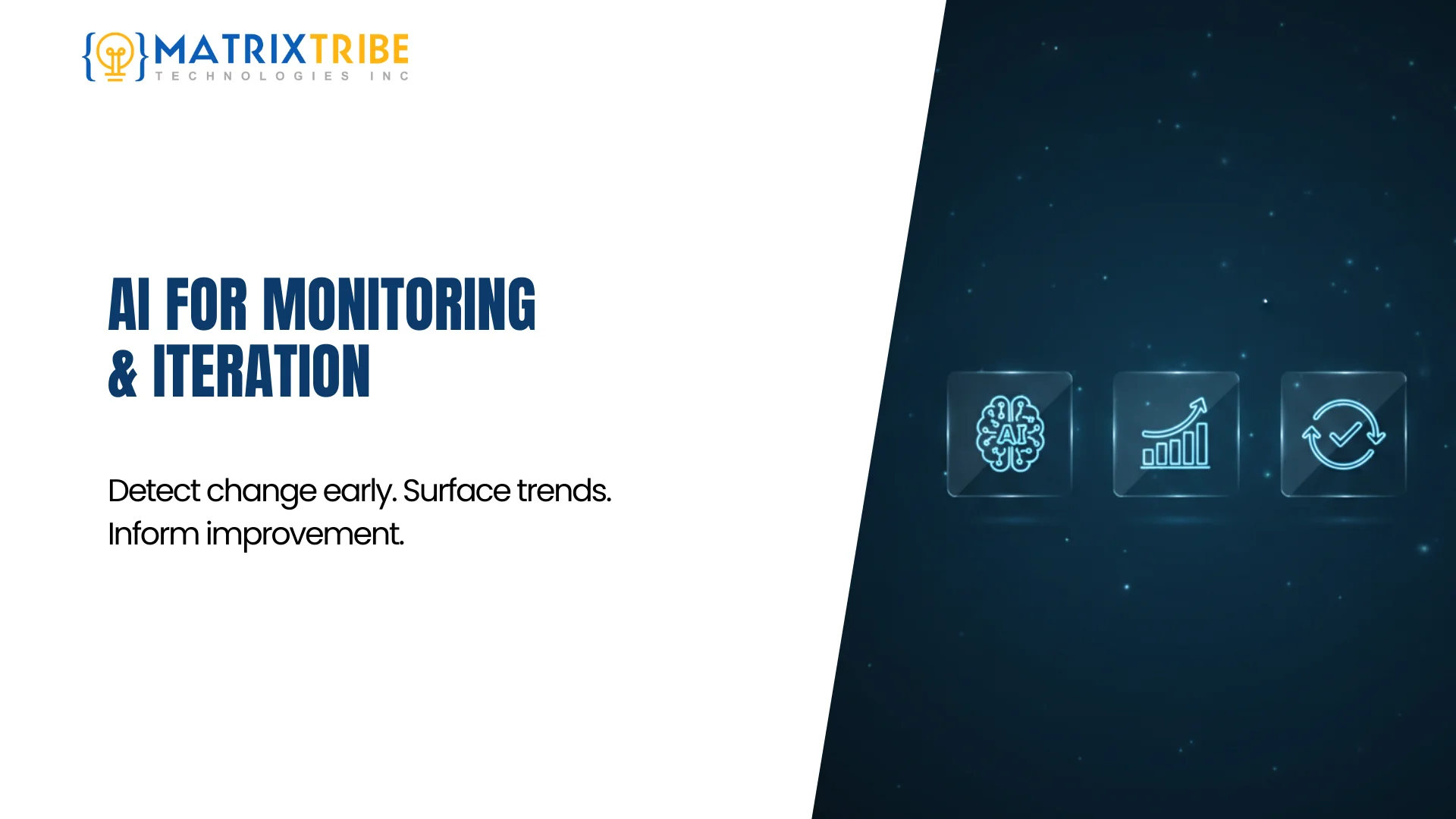
AI Tools for Monitoring, Maintenance, and Iteration
Datadog AI monitoring features
New Relic with AI-assisted insights
Sentry anomaly detection
Custom pipelines using language models for log and metric summarization
At this stage, general-purpose language models are typically layered on top of observability systems rather than used in isolation.
How You Actually Use AI During Monitoring and Maintenance
In practice, you can use AI to:
detect performance regressions and anomalies
identify long-term trends and system drift
summarize operational health for technical and non-technical stakeholders
inform prioritization of fixes and iterative improvements
The emphasis remains on awareness and feedback, not automated decision-making.
Illustrative Example Prompts
You can use these example prompts as a reference when monitoring system health and planning iteration.
“Identify anomalies in these metrics over the last 24 hours.”
“Summarize recurring errors and their likely causes.”
“What trends suggest performance degradation over time?”
“Highlight changes that correlate with recent deployments.”
Why This Stage Matters
Long-term system reliability depends on early detection and informed iteration. AI creates value here by making patterns visible sooner, helping you move from reactive firefighting to proactive maintenance and continuous improvement.
How to Choose the Right AI Tools for Software Development
There is no single best AI tool for software development. Effectiveness depends on where in the SDLC a tool is applied and what role it is expected to play.
Teams that see sustained results typically select AI tools based on the following factors:
Lifecycle fit: IDE-native AI tools perform best during development, while observability-integrated AI is more effective during debugging, monitoring, and maintenance.
Context awareness: Tools with access to the local codebase, repositories, or system telemetry consistently outperform generic interfaces at execution-heavy stages.
Workflow integration: AI that fits naturally into existing development workflows is adopted more reliably than tools that require constant context switching.
Risk and control: As AI moves closer to production systems, security, access control, and auditability become more important than raw capability.
Rather than standardizing on a single solution, mature teams assemble a purpose-driven mix of AI tools, each aligned to a specific stage of the software development lifecycle.
Frequently Asked Questions
Q. Are there free AI tools for software development?
A. Yes. Many AI tools for software development offer free tiers that work well for learning, experimentation, and small projects. However, once AI is used in production, factors like security, data handling, reliability, usage limits, and system integration become critical. Free tools are usually a starting point, not a long-term solution.
Q. What is prompt sprawl?
A. Prompt sprawl is the uncontrolled growth of AI prompts across teams, where prompts are created ad hoc, copied informally, and never versioned or governed. Over time, this leads to inconsistent outputs, poor reproducibility, and limited auditability. The core risk is not prompt volume, but loss of control and predictability.
Q. What AI tools do developers use for code authoring?
A. Most developers rely on IDE-native coding assistants and repository-aware tools to speed up repetitive work, refactor existing code, explain legacy logic, and generate test scaffolding. Human review and validation remain essential.
Q. How can AI help with testing and quality assurance?
A. AI is used to generate baseline unit and integration tests, suggest boundary conditions, identify gaps in coverage, and propose failure scenarios. Generated tests are reviewed and validated through standard CI processes.
Q. How do teams use AI for debugging and issue resolution?
A. AI assists by summarizing logs and traces, correlating signals across services, proposing likely root causes, and suggesting diagnostic steps. Engineers maintain full control over investigation and remediation.
Final Words
AI models now act as tools across the entire software development lifecycle. Their impact depends less on which tools are chosen and more on how intentionally they are applied. Teams that map AI capabilities to specific lifecycle stages, preserve context across handoffs, and maintain strong engineering discipline will see compounding returns. Those that do not will experience fragmented gains that stall at scale.
Turn AI Experiments Into a Coherent Development System
At MatrixTribe, our engineering teams embed AI directly into the software development lifecycle, from planning and coding through testing, deployment, and monitoring.
The outcome is not just speed, but optimized, future-ready systems built with AI as a core development capability rather than an afterthought. Contact us if you are looking to move faster without compromising system quality or future readiness.
Published

Latest Article
 July 7, 2026
Explainable AI in Software Development: Why Every Output Needs a Trail
Read Article July 1, 2026